Short answer: For journalists, the best transcription app depends on the job. Trint and Rev are built for newsroom workflows and high-accuracy interview transcripts (Rev also offers human transcription). Otter is popular for live transcription but pricier than it used to be. CraftNote fits reporters who record interviews on their phone or upload recordings and want speaker-labeled transcripts plus a summary, with 100+ language support for foreign-language interviews, at a lower price than most.
← Back to Blog
Best Transcription App for Journalists (2026)
Journalists need clean interview transcripts, speaker labels, and a fast way to find the quote, on deadline, often from a phone recording made in a noisy hallway rather than a studio. Here's how the transcription tools reporters use in 2026 compare, by accuracy focus, languages, workflow, and price.
| App | Best for | Languages | Notable |
|---|---|---|---|
| CraftNote | Mobile interviews, structured notes | 100+ | Speaker labels + summary, affordable |
| Trint | Newsroom workflows | Many | Built for journalism |
| Rev | Highest accuracy | English-focused | AI + optional human transcription |
| Otter | Live transcription | Few | Real-time, 300 free min/mo |
| Sonix | Polished transcripts | 50+ | In-browser editor |
What journalists actually need
A useful transcription tool for reporting delivers an accurate verbatim transcript, speaker labels for interviews with more than one source, support for phone and recorded audio rather than just live dictation, foreign-language coverage, and a fast way to pull an exact quote under deadline pressure. Different tools optimize for different parts of that list, which is why "best" depends on what kind of reporting you do.
Interview transcription workflow
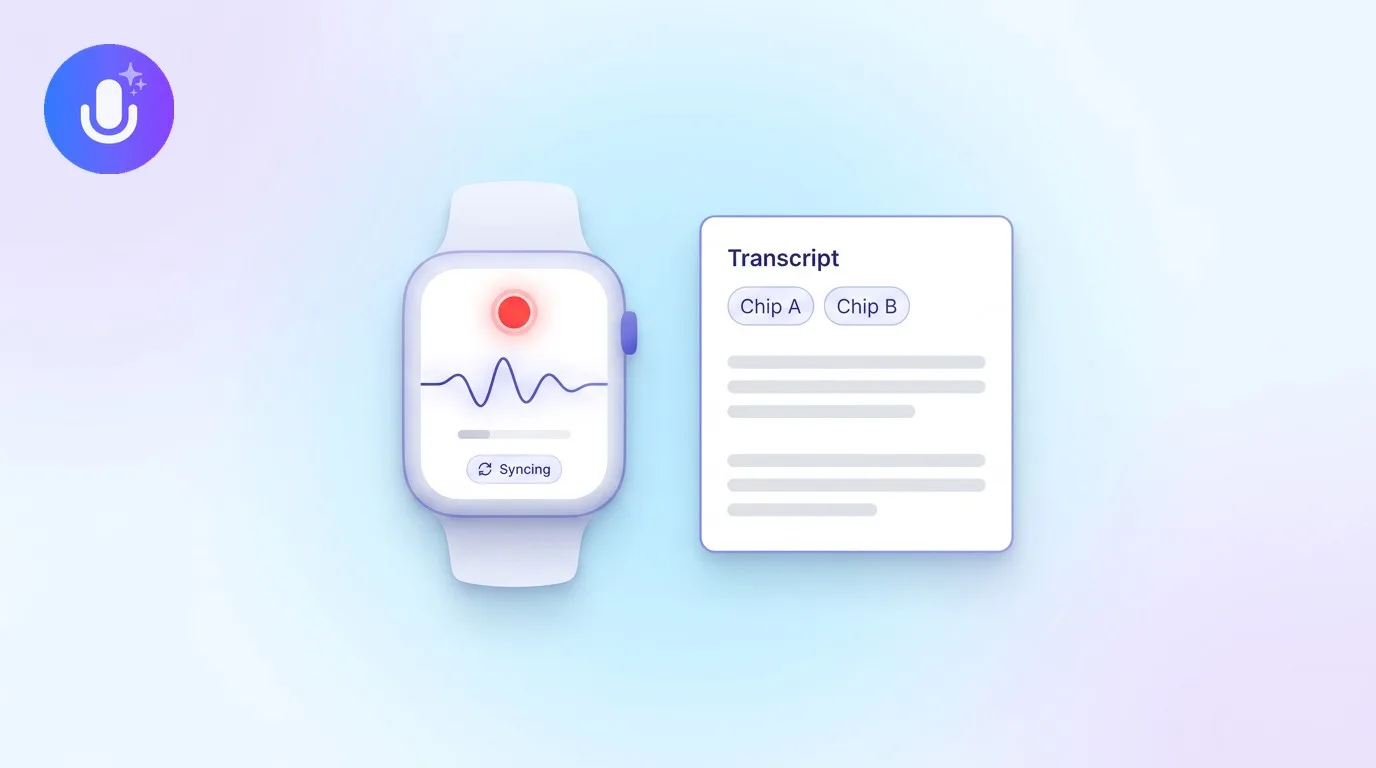
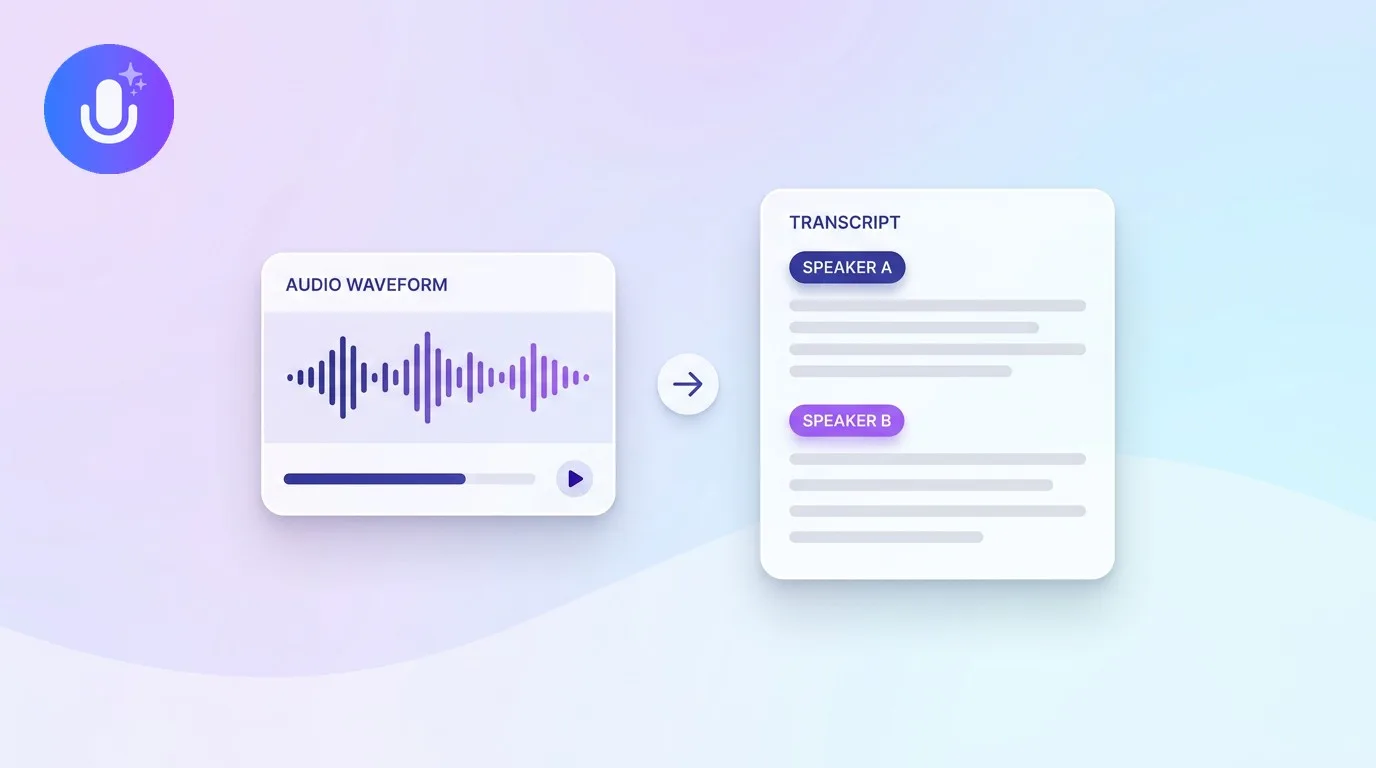
Most interviews happen on the fly: a phone call, a hallway conversation after a press conference, a sit-down recorded on a phone propped between you and the source. The practical workflow is to record on your phone (or hand the source's audio file to the app afterward), let it transcribe with speakers separated so you can tell your questions from their answers at a glance, then search the transcript for a keyword instead of scrubbing through the audio to find the quote you remember but can't place. A summary on top is useful for reviewing a long interview quickly before you start writing, but for direct quotes, always verify against the transcript or the original audio, not the AI summary.
Source protection considerations
Interview recordings can contain sensitive material, an off-the-record aside, a source's identifying details, information they'd be at risk for if it leaked. Before using any transcription tool for sensitive reporting, check three things: whether recordings are encrypted in transit and at rest, whether the vendor uses your audio to train its AI models (look for an explicit no), and how long raw recordings are retained versus the processed transcript. CraftNote stores data encrypted in transit and at rest, doesn't sell data to third parties, and uses AI processing solely to generate your transcripts and notes, not to train models. Raw audio and video files are kept for 60 days by default; the processed transcript and notes remain in your account. For work involving unusually sensitive sources, treat any cloud-based transcription tool as one more system that could be subpoenaed or breached, and handle the most sensitive material accordingly.
Deadline workflows
On a hard deadline, speed matters as much as accuracy. A workable process: record the interview, let it transcribe while you write the rest of the piece, then search the transcript for the two or three quotes you already know you want instead of reading it start to finish. Exporting to a plain text or DOCX file lets you drop a transcript straight into your notes doc or CMS without reformatting. If you interview across languages, translating the transcript rather than the raw audio saves a step, and it's worth double-checking any translated quote against a native speaker or the original recording before publishing.
CraftNote for journalists
- Pros: record interviews on iOS or Android (or upload audio/video), speaker-labeled transcripts, a summary that surfaces the key points, 100+ language translation for foreign-language interviews, export to PDF/DOCX, affordable at $9.99/month, recordings encrypted and kept out of AI training.
- Cons: not a specialist human-transcription service like Rev for legal-grade accuracy; no live captioning; heavy accents or poor audio still need a review pass before you quote directly.
Verdict: Best for reporters who want an affordable, mobile record-to-transcript-and-summary flow. Always get consent and follow local recording rules before recording an interview.
When a specialist fits better
- Newsroom collaboration and editing → Trint
- Highest accuracy or human transcription for legal-sensitive quotes → Rev
- Rough audio that needs a polished, publishable transcript → Sonix
Frequently Asked Questions
What is the best transcription app for journalists?
It depends on the priority. Trint and Rev are built for newsroom accuracy and workflows, with Rev offering human transcription. For reporters who record interviews on their phone or upload recordings and want speaker-labeled transcripts plus a summary at a lower price, CraftNote is a strong, mobile-first option that also translates into 100+ languages.
What is the most accurate transcription app for interviews?
Accuracy varies with audio quality, accents, and language, and vendor claims aren't directly comparable. Rev is known for high accuracy and offers human transcription for the toughest audio. For everyday interviews, most mainstream AI tools are close enough that a quick review pass matters more than a headline accuracy number.
Can I transcribe a recorded interview on my phone?
Yes. With CraftNote you record the interview directly on iOS or Android, or upload an existing audio or video file, and it transcribes the conversation with speaker labels and builds a summary of the key points. You can then translate or export it. Get consent before recording any interview.
Does CraftNote handle foreign-language interviews?
Yes. CraftNote transcribes your recording and can translate the resulting notes into 100+ languages, which helps when you interview sources in another language. Audio quality and accents still affect how clean the transcript is, so a review before you quote is always worth the time.
Related reading
Turn this into action with CraftNote
Record meetings and lectures, then get AI transcripts, summaries, and action items.
Try CraftNote free