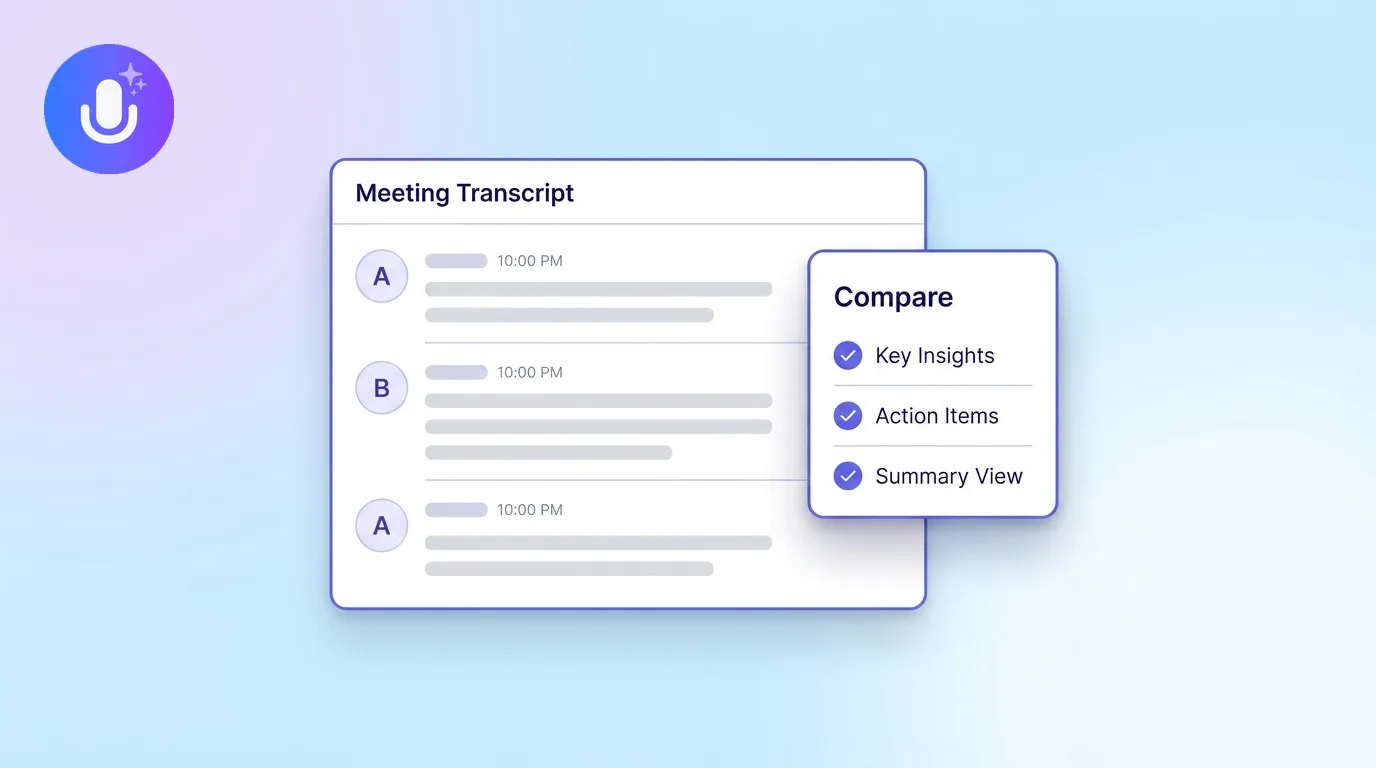
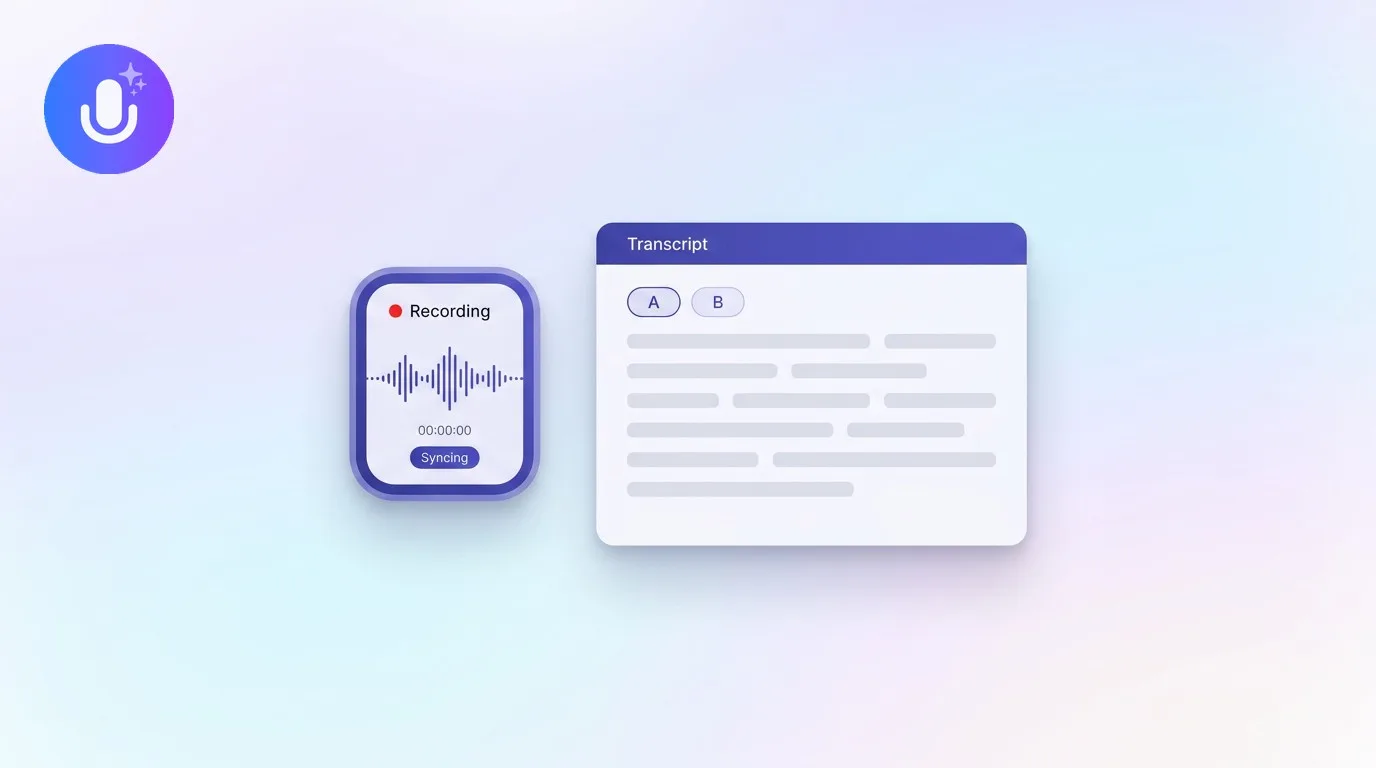
Short answer: The best AI note-taking app for a Mac records your meetings, transcribes them accurately, and writes the summary and action items for you, ideally without a bot joining the call. Granola is a polished Mac-native option; Otter and Fireflies typically rely on a meeting bot. CraftNote runs as a native Mac app that captures your system audio and microphone bot-free, works offline, handles 100+ languages, and syncs the same notes to your iPhone, iPad, and the web.
← Back to Blog
Best AI Note-Taking App for Mac (2026)
If you take meetings on a Mac all day, the right note app should feel like part of macOS: living in your menu bar, capturing any call without a bot, and never making you clean up the transcript afterwards. Here's what to look for, and how the main options compare.
| What to look for on a Mac | Why it matters | CraftNote for Mac |
|---|---|---|
| Native Mac app | Lives in your menu bar, no browser tab to babysit | Universal build (Apple Silicon + Intel) |
| Bot-free recording | Captures any app's audio plus your mic; nothing joins the call | System audio + mic, meeting bot optional |
| Works offline | Keep recording on a flight or weak Wi-Fi | Full offline, syncs when you reconnect |
| Same notes on mobile and web | Start on your Mac, finish on your phone | iPhone, iPad, Android, and web |
| Languages | Record and translate in your language | 100+ languages, auto-detected |
| Speaker identification | Know who said what | Automatic You / Them labels while recording |
| Price | Try before you pay | Free tier, Pro upgrade |
Bot-free recording is the big desktop advantage
Most AI note takers send a bot into your Zoom, Teams, or Google Meet call to transcribe it. That works, but it announces itself to everyone, it only covers video calls, and it only captures what happens inside that one call. A Mac-native app can do something a bot can't: capture your computer's system audio and microphone directly. CraftNote records whatever is playing on your Mac plus what your mic hears, so it works with every meeting platform, and nothing ever joins the call. If you do want a bot for a specific recurring meeting, CraftNote offers one that uses credits or a Pro plan, but it's a choice, not the only way in.
CraftNote for Mac at a glance
CraftNote is a native macOS app (a single universal build for both Apple Silicon and Intel Macs) that records, transcribes, and summarizes straight from your menu bar. It delivers strong transcription accuracy, works across 100+ languages, and keeps going offline, syncing and transcribing when you're back online. It labels who is speaking as You and Them so you can see who said what. When the call ends you get a clean summary, decisions, and action items with owners, and you can chat with the note to pull a quote, draft a follow-up email, or turn it into flashcards or a quiz. The same notes are on your iPhone, iPad, and the web, so nothing is stuck on one machine.
How it compares to Granola, Otter, and Fireflies
Granola is a well-liked Mac-native notepad that also transcribes by listening to your Mac's audio, so no bot joins the call. It's a strong fit if you work almost entirely on a desktop. The difference is what happens when you step away from it: CraftNote keeps the same bot-free Mac capture but adds native iPhone and Android apps, a browser web app, offline recording, 100+ languages, and automatic speaker labels. Otter and Fireflies take the other route: a bot joins your video call, which is convenient for back-to-back remote meetings but only ever covers the video call itself. If your day is a mix of calls, desk-side chats, and moving between devices, a Mac app with mobile and web behind it covers more of it.
Common Questions
What is the best AI note-taking app for Mac?
It depends on how you work. Granola is a polished Mac-native notepad; Otter and Fireflies are strong for bot-based remote meetings. CraftNote is the best fit if you want a native Mac app that records bot-free, works offline, handles 100+ languages, and syncs the same notes to your iPhone, iPad, and the web.
Do I need a bot to record meetings on my Mac?
No. CraftNote captures your Mac's system audio and microphone directly, so it records any meeting platform without a bot joining the call. An optional meeting bot is available too (it uses credits or a Pro plan), but you never need it for normal recording.
Does CraftNote work offline on a Mac?
Yes. CraftNote records locally even with no connection, then syncs and transcribes automatically when you are back online, so a flight or weak Wi-Fi never costs you a note.
Is there a free AI note-taking app for Mac?
Yes. CraftNote has a free tier with core note-taking and limited recording time per note, and a Pro subscription that unlocks longer recordings and all AI features. You can download the Mac app for free at craftnote.com/download.
Related reading
Turn this into action with CraftNote
Record meetings and lectures, then get AI transcripts, summaries, and action items.
Try CraftNote free