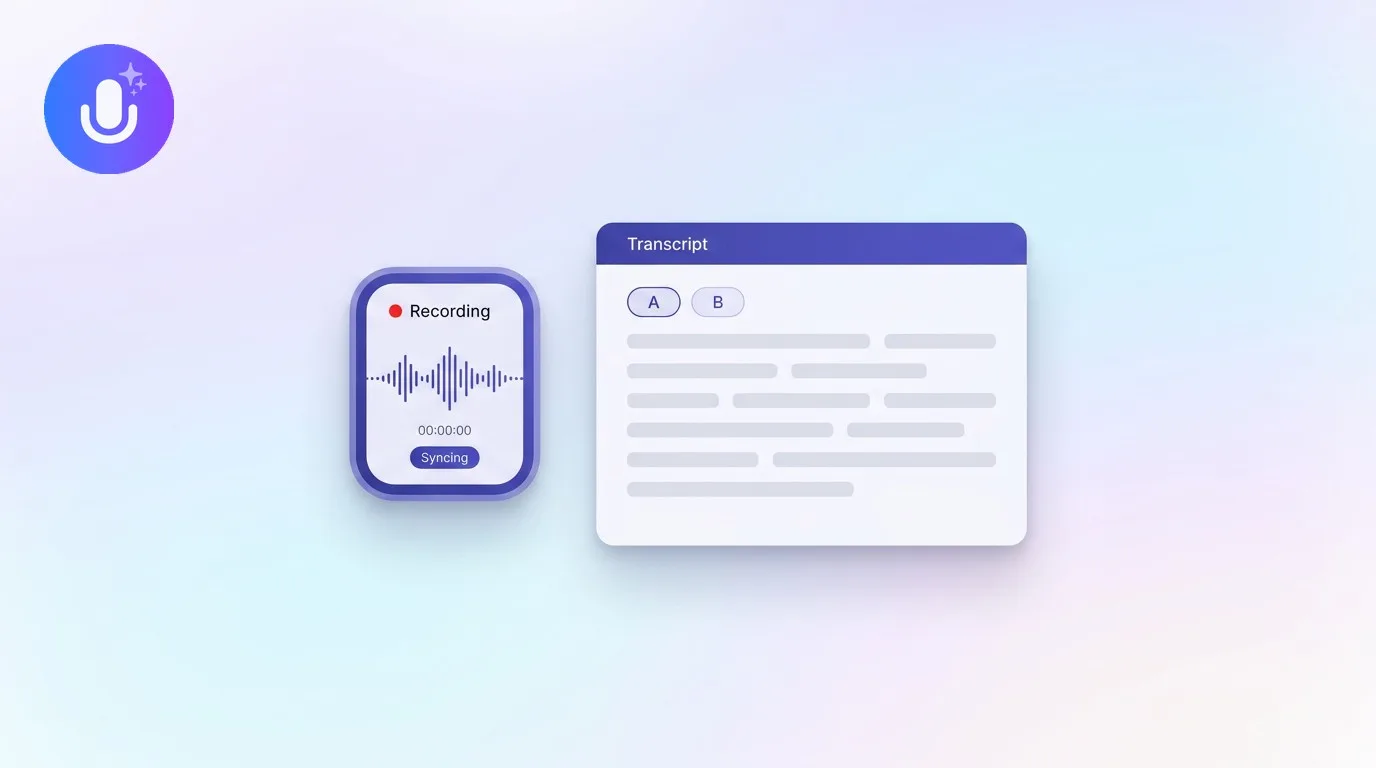
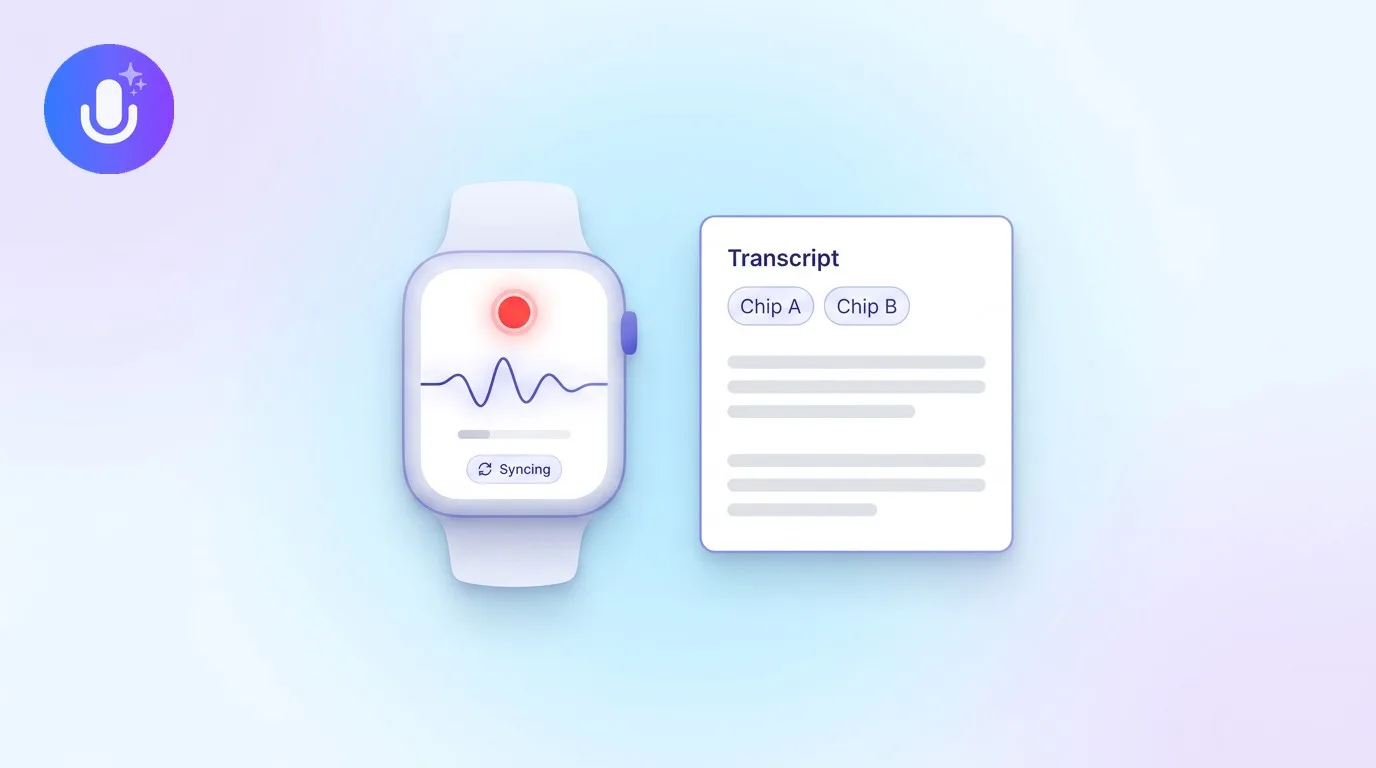
Short answer: Granola is a polished Mac-native AI notepad that transcribes your meetings without a bot. If you love that desktop experience but also need native iPhone and Android apps, a browser web app, offline recording, 100+ languages, and automatic speaker labels, CraftNote is the closest alternative: it keeps the bot-free Mac capture and adds everything you'd miss the moment you step away from your desk.
← Back to Blog
The Best Granola Alternative for Mac (2026)
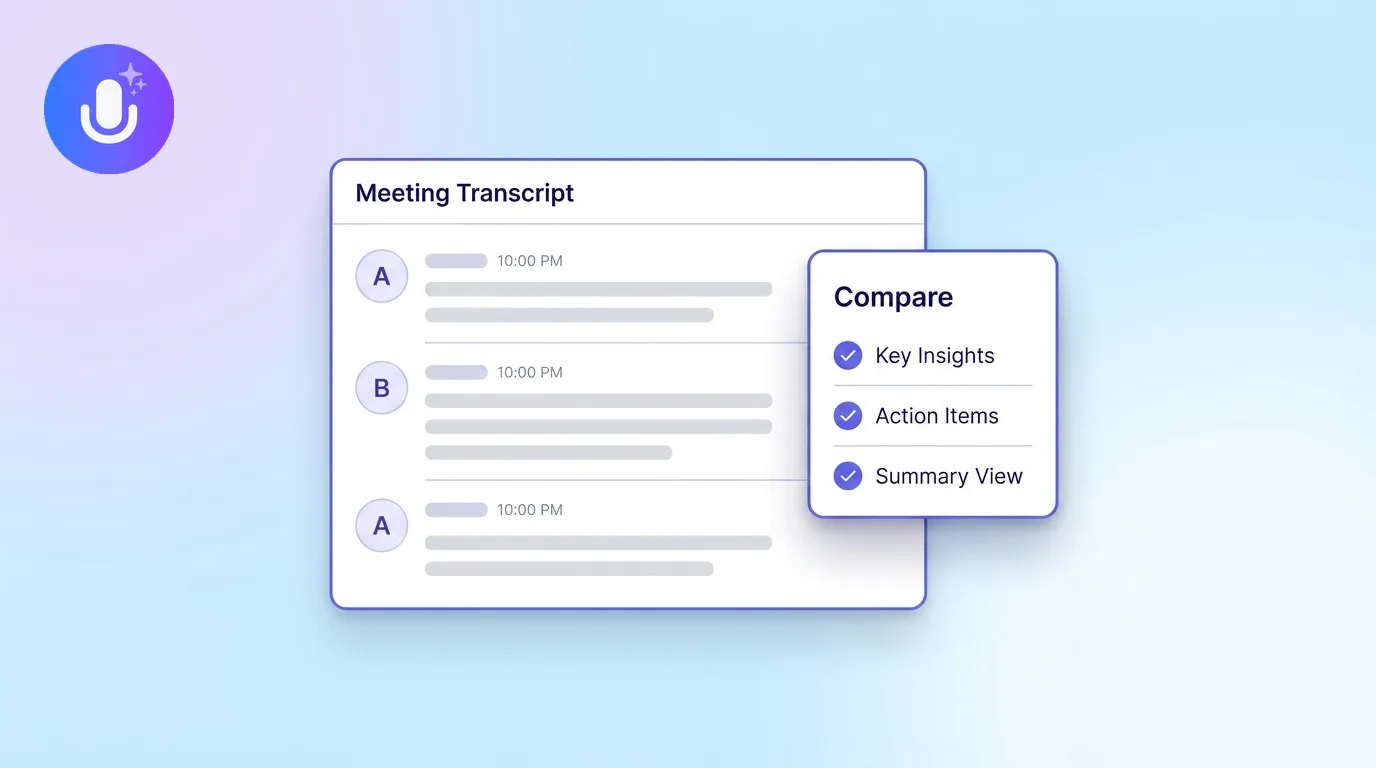
Granola nailed one thing: a clean, Mac-native way to capture a meeting without a bot in the room. People start looking for an alternative when they need more than a desktop app: a phone in their pocket for in-person conversations, a web app on a locked-down work laptop, notes in another language, or recording that keeps going offline. Here's how CraftNote covers those without giving up the bot-free Mac experience.
| What you might be missing | How CraftNote handles it |
|---|---|
| A note app beyond the Mac desktop | Native iPhone and iPad apps, an Android app, and a full web app, same notes everywhere |
| Bot-free desktop capture | Kept: records your Mac's system audio and mic, nothing joins the call |
| Recording on the move | Full offline support; records locally and syncs when you reconnect |
| Languages beyond English | 100+ languages with automatic detection and one-tap translation |
| Knowing who said what | Automatic You / Them speaker labels while you record |
| Conversations away from your desk | The iPhone and Android apps record in-person talks and phone calls, not just video meetings |
Why people move from a Mac-only workflow
A desktop-first note app is perfect until the day you're taking notes somewhere your Mac isn't. A hallway conversation, a client lunch, a phone call on the way to the office: those are exactly the moments a note app should catch, and they don't happen at your desk. CraftNote runs natively on iPhone, iPad, Android, Mac, and Windows, plus a web app in any browser, and your notes sync instantly across all of them. Start a recording on your Mac, keep it going on your phone, review it later on the web; it's one note, everywhere.
What stays the same
You don't give up the part of Granola you liked. CraftNote's Mac app captures your system audio and microphone together, so it transcribes any meeting platform without a bot ever joining the call. It lives in your menu bar, records offline, and hands you a clean summary with decisions and action items when you're done. If you ever want a bot for a specific recurring meeting, it's available with credits or a Pro plan, but it's optional, not the default.
What you gain
On top of matching the desktop experience, CraftNote adds strong transcription accuracy across 100+ languages, automatic speaker labels, and the ability to chat with any note to pull a quote, draft a follow-up email, or generate flashcards and a quiz. Recordings are encrypted in transit and stored securely, and you can delete any note and its audio whenever you want. It's free to start, with a Pro upgrade for longer recordings and all AI features.
Common Questions
What is the best Granola alternative for Mac?
CraftNote is the closest alternative for anyone who likes Granola's bot-free Mac capture but wants more reach. It runs as a native Mac app and adds iPhone, iPad, Android, and web apps, offline recording, 100+ languages, and automatic speaker labels, with notes synced across every device.
Does CraftNote record without a bot like Granola?
Yes. CraftNote captures your Mac's system audio and microphone directly, so it transcribes any meeting platform without a bot joining the call. An optional meeting bot is available too, using credits or a Pro plan.
Does CraftNote have a mobile app and a web app?
Yes. Beyond the Mac app, CraftNote has native iPhone, iPad, and Android apps and a full web app at app.craftnote.com, and the same notes sync across all of them.
Is CraftNote free?
CraftNote has a free tier with core features and limited recording time per note, plus a Pro subscription that unlocks longer recordings and all AI features. You can download the Mac app for free at craftnote.com/download.
Related reading
Turn this into action with CraftNote
Record meetings and lectures, then get AI transcripts, summaries, and action items.
Try CraftNote free