Short answer: Granola is a quiet, bot-free notepad for macOS, Windows and iOS that enhances the notes you type while you're in a meeting. Fireflies sends a bot into your Zoom, Google Meet or Teams call and turns the whole thing into a structured transcript, summary and action items that flow into your CRM and Slack. Choose Granola if you already type during meetings and want a private, minimalist Mac-first experience; choose Fireflies if you run a team that needs transcripts and automation across many calls. Granola has no Android or web app; Fireflies has neither an in-person mode nor a truly bot-free option. CraftNote sits between the two: bot-free capture across Mac, Windows, iPhone, Android and web, including in-person meetings.
← Back to Blog
Granola vs Fireflies: Which AI Meeting Notes Tool Wins in 2026?
A quick disclosure: we build CraftNote, which competes with both of these tools. The Granola and Fireflies figures below come from each vendor's own published pricing and product pages as of August 2026, not from memory or estimation.
Quick summary table
| Feature | Granola | Fireflies |
|---|---|---|
| Approach | Bot-free; listens to your device's audio | Bot joins the call |
| Platforms | Mac, Windows, iOS (no Android, no web app) | Web-first, with mobile apps |
| In-person meetings | Only via your laptop's mic | Not designed for it |
| Free plan | Basic, free with limited meeting history | Unlimited transcription, 400 min storage/team, 20 AI credits |
| Entry paid plan | Business: $14/user per month | Pro: $18/mo ($10/mo annual) |
| Higher tier | Enterprise: $35/user per month | Business: $29/mo ($19/mo annual) |
| Integrations / CRM | Light | Deep (CRM, Slack) |
| Note style | You type; AI enhances your own notes | AI generates the full note from scratch |
| Languages | ~10 on desktop, English-first interface | 100+, even on free plan |
How Granola actually works
Granola runs on your Mac or Windows machine (and now iOS) and listens to your device's audio while you jot down whatever rough notes you'd normally type in a meeting anyway. After the call, it uses the transcript to rewrite and structure your notes rather than generating a summary from a blank page. There's no bot, nothing joins the call as a visible participant, and the whole experience is intentionally minimal. Granola isn't trying to be a dashboard, it's trying to be a better notepad.
The free Basic plan works but keeps a limited meeting history, so it's really a trial of the workflow rather than something you can rely on long-term. Business is $14 per user per month and adds team features and more history; Enterprise runs $35 per user per month. Granola's desktop app covers roughly ten languages (English, French, German, Spanish, Italian, Portuguese, Dutch, Japanese, Russian and Hindi), and the interface itself is English-only, so multilingual teams will hit a ceiling here that Fireflies doesn't have.
How Fireflies actually works
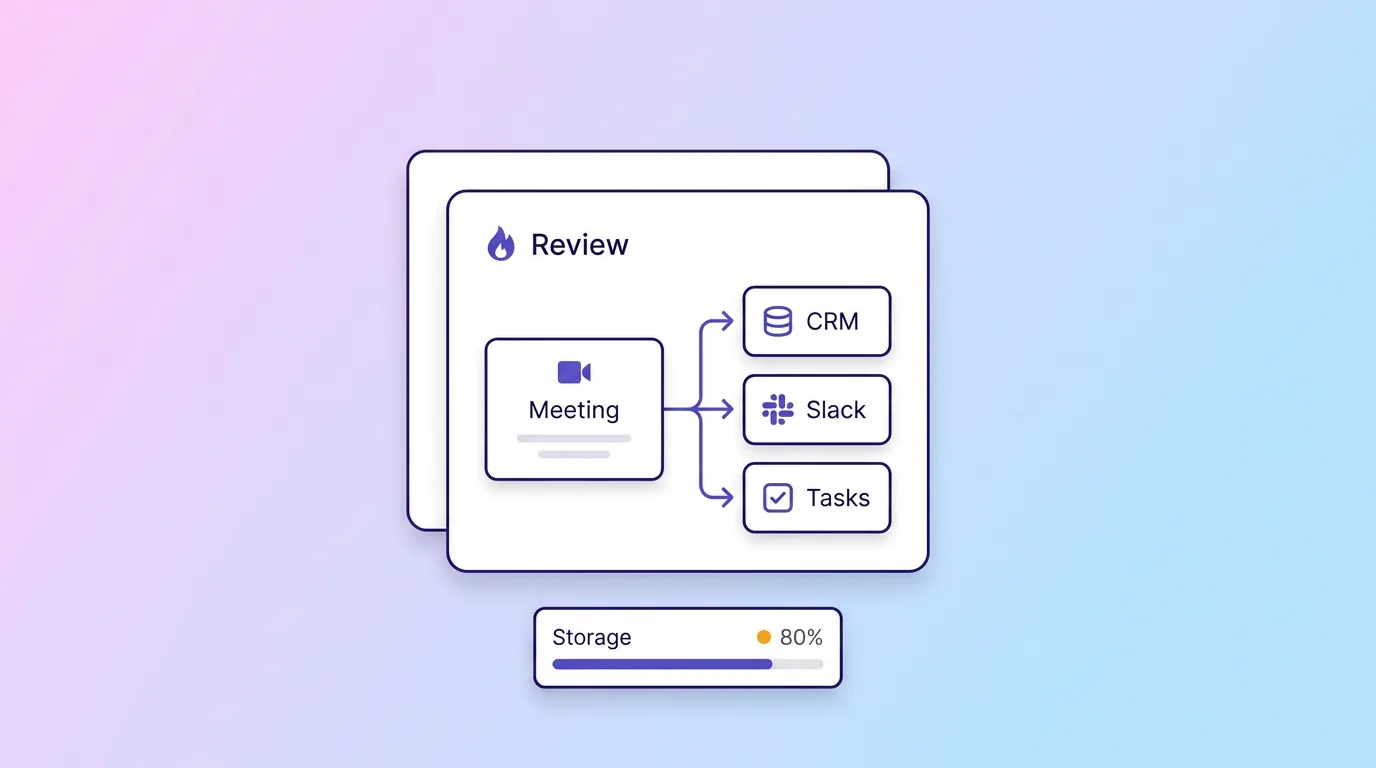
Fireflies takes the opposite approach: a bot joins your Zoom, Meet or Teams call, records it, and generates a full transcript, AI summary and action-item list without you needing to type anything during the meeting. That output then pushes automatically into the tools your team already runs on, including CRMs like Salesforce and HubSpot and Slack, which is the entire point of the product for revenue and customer-facing teams.
The free plan is unlimited on transcription itself, but storage is capped at 400 minutes per team (not per person) with 20 AI credits, and 100+ languages are supported even at that free tier. Pro is $18/user monthly or $10/user billed annually and adds 8,000 minutes of storage per seat plus video recording. Business is $29/user monthly ($19/user annual) and removes the storage cap, adds 30 AI credits a month and team analytics.
The real trade-off: who leads the meeting
The most important difference isn't the bot. It's who's doing the work of capturing the meeting. Granola assumes you're an active participant who types a little as you go; its AI is an editor, not an author. If you stop typing, or you're leading the call and can't spare attention to jot notes, Granola has much less to work with. Fireflies assumes nobody in the room is typing anything; its bot does the entire job of listening and structuring the output, which is why it fits teams where multiple people are on a call and nobody wants to be the designated note-taker.
That also explains the platform gap. Granola only needs to hear your device's microphone and system audio, so it never had to solve mobile or in-person capture, hence no Android app, no web app, and no real answer for a hallway conversation or a phone call. Fireflies is built entirely around joining scheduled video calls, so it has the opposite blind spot: it has no bot-free mode and nothing to offer once you step away from a Zoom link.
Setup and what your colleagues see
Setting up Granola means installing a Mac or Windows app and granting it microphone and system-audio permissions; from a colleague's perspective, nothing changes about the meeting itself, because Granola isn't visible to anyone but you. That's a real advantage in client-facing calls or interviews where a named recording bot can make people more guarded, or where a client's own policy simply won't allow a third-party bot in the room.
Fireflies requires no install for the people you're meeting with, but everyone on the call sees its bot join as a named participant, usually with a note that the meeting is being recorded. Some teams like that transparency: it's an explicit, visible consent signal. Others find it changes how candidly people talk, especially in sensitive one-on-ones, performance conversations, or calls with prospects who are wary of being recorded by a third party they didn't choose.
Where Granola wins
- No bot in the call. Nothing joins as a visible participant, which clients and colleagues often prefer.
- Minimalist and human-led: you stay in control of the note; AI just sharpens it.
- A quieter, more private feel than a third-party bot sitting in the meeting.
- Runs on iOS now, not just Mac, closing some of its old mobile gap.
Where Fireflies wins
- Deep CRM and Slack automation that pushes notes and action items into your stack without manual work.
- Unlimited transcription on the free plan, with no per-meeting time cap.
- 100+ language support, versus Granola's roughly ten desktop languages and English-only interface.
- Team analytics and admin controls for running many meetings a week across a team.
- Not tied to a single operating system the way Granola is tied to Mac and Windows desktops.
Which should you choose?
- You're a Mac or Windows user who already types rough notes and wants a quiet, private editor for them: Granola.
- You're a team, especially in sales or customer success, that wants transcripts and action items automatically in your CRM: Fireflies.
- You want bot-free notes that also work on Android or the web, or you need to capture in-person meetings and phone calls, not just Mac video calls: CraftNote pairs a no-bot approach with cross-platform apps (iPhone, Android, Mac, Windows, web), 100+ languages, and a genuinely usable free plan. See CraftNote vs Granola and CraftNote vs Fireflies.
Frequently Asked Questions
Is Granola or Fireflies bot-free?
Granola is bot-free: it listens to your device's audio and nothing joins the call. Fireflies uses a bot that joins your video meetings as a visible participant.
Does Granola work on Android or the web?
No. As of August 2026, Granola runs on Mac, Windows and iOS, but has no Android app and no web app. If you need Android, a browser-based option, or in-person capture, Fireflies (for video calls) or a cross-platform bot-free app like CraftNote fit better.
Which is better for sales teams?
Fireflies, because of its CRM integrations, team analytics and unlimited free transcription. Granola is built for individuals who want a clean, minimal, self-typed note, not automated pipeline logging.
Which is cheaper?
Granola Business is $14/user per month, versus Fireflies Pro at $18/user monthly ($10/user annually). Fireflies' annual price undercuts Granola's monthly price, but Granola has no directly comparable annual plan published, so compare like billing cycles before deciding.
Which is more private?
Granola keeps a quiet, bot-free local feel with nothing visibly joining the call, while Fireflies adds a named bot as a call participant. For formal data-protection requirements, review each vendor's current documentation directly rather than relying on general impressions.
Related reading
Turn this into action with CraftNote
Record meetings and lectures, then get AI transcripts, summaries, and action items.
Try CraftNote free