Short answer: Otter.ai and Fireflies.ai both send a bot into your Zoom, Google Meet or Teams call, but they're built for different jobs. Otter is stronger for individuals who want a live transcript, a big mobile presence, and a lower entry price. Fireflies is stronger for teams that want notes and action items pushed automatically into a CRM. On paper Otter's annual Pro price ($8.33/user) matches Fireflies' annual Pro price ($10/user) almost exactly, so the real decision usually comes down to free-plan limits and what happens to your data after the call. If you'd rather skip the bot altogether, CraftNote records bot-free on Mac and in Chromium browsers, in person or online, from $9.99/month.
← Back to Blog
Otter vs Fireflies: Which AI Meeting Assistant Wins in 2026?
A quick disclosure: we build CraftNote, a bot-free alternative to both tools, so we're not neutral. To keep this fair, every Otter and Fireflies figure below is pulled straight from each vendor's own pricing page as of August 2026. Nothing here is estimated or remembered from an older plan.
Quick summary table
| Feature | Otter.ai | Fireflies.ai |
|---|---|---|
| Approach | Bot joins the call | Bot joins the call |
| Free plan limit | 300 min/month, 30 min/conversation, 3 lifetime imports | Unlimited transcription, 400 min storage/team, 20 AI credits |
| Entry paid plan | Pro: $16.99/mo ($8.33/mo annual) | Pro: $18/mo ($10/mo annual) |
| Team plan | Business: $30/mo ($19.99 annual), 5-seat minimum | Business: $29/mo ($19 annual), no stated minimum |
| Integrations / CRM | Zoom, Teams, Meet; moderate third-party integrations | Deep CRM and Slack automation |
| Mobile apps | iOS, Android, web | Web-first, lighter mobile apps |
| Languages | English-focused, limited beyond that | 100+ languages, even on free plan |
| Best for | Individuals, live note-taking | Teams, sales automation |
How Otter.ai actually works
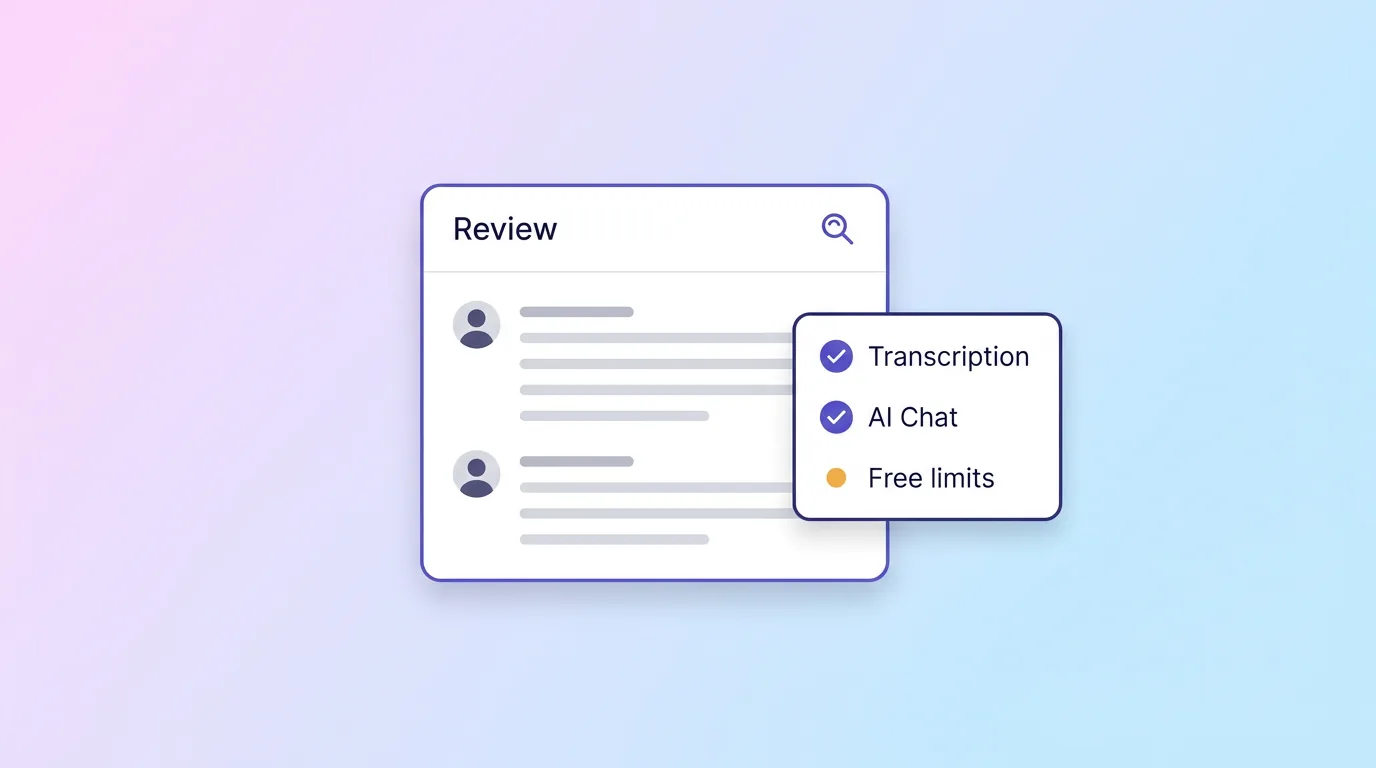
Otter's bot joins your call and shows a live, scrolling transcript as people talk, which is still its signature feature: you can follow along, highlight a line, or ask its AI Chat a question about what was just said without waiting for the meeting to end. Otter's free Basic plan gives you 300 transcription minutes a month, but caps any single conversation at 30 minutes and limits you to three lifetime file imports, so it's built for short, frequent meetings rather than long calls or bulk uploads.
Pro costs $16.99/user monthly or $8.33/user billed annually, and raises the ceiling to 1,200 minutes a month, 90 minutes per meeting, and 10 imports a month. Business jumps to $30/user monthly ($19.99 annual) with unlimited meetings up to four hours each, but it bills a five-seat minimum, so a team of three still pays for five seats. Otter also offers a 20% student discount on Pro with a valid .edu email, and Enterprise (custom pricing) adds SSO, SCIM, a HIPAA add-on and API access.
How Fireflies.ai actually works
Fireflies' bot also joins the call, but the product is built around what happens after: turning the transcript into a structured summary and action items, then routing that output into the tools your team already uses, including CRMs and Slack. The free plan is generous on raw transcription (it's unlimited), but storage is capped at 400 minutes per team (not per user), you get 20 AI credits, and once you hit the storage cap older recordings roll off unless you upgrade.
Pro is $18/user monthly or $10/user billed annually, and adds 8,000 minutes of storage per seat, video recording and downloadable transcripts. Business is $29/user monthly ($19/user annual) and removes the storage cap entirely, adds 30 AI credits a month and team analytics. Enterprise is $39/user, billed annually only, with unlimited storage, 50 AI credits a month, SSO, HIPAA support and audit logs.
Where the pricing actually lands
The headline numbers look close, but the shape of the limits is different. Otter's free plan is capped by time: 300 minutes a month and a hard 30-minute stop mid-call, which is a real problem if your meetings regularly run long. Fireflies' free plan has no per-meeting time limit and transcribes as much as you throw at it, but the 400-minute storage cap is shared across your whole team, not given to each person, so a team of five burns through it far faster than a single Otter user burns through their 300 minutes.
On paid plans, Otter Pro's annual price ($8.33/user) is close to Fireflies Pro's annual price ($10/user), so price alone rarely decides it. The bigger swing factor is Otter Business's five-seat minimum: if you're a team of two or three, Fireflies Business has no comparable seat floor and can work out cheaper in practice even though its per-seat sticker price is higher.
Where Otter wins
- Real-time transcription that's responsive and easy to follow live, with AI Chat to query the transcript mid-meeting.
- Full mobile apps on iOS and Android, not just a web dashboard.
- No team seat minimum on Pro. The five-seat floor only applies to Business.
- Matches Fireflies on annual price for solo users ($8.33 vs $10/user).
Where Fireflies wins
- Unlimited transcription even on the free plan, with no 30-minute per-meeting cap.
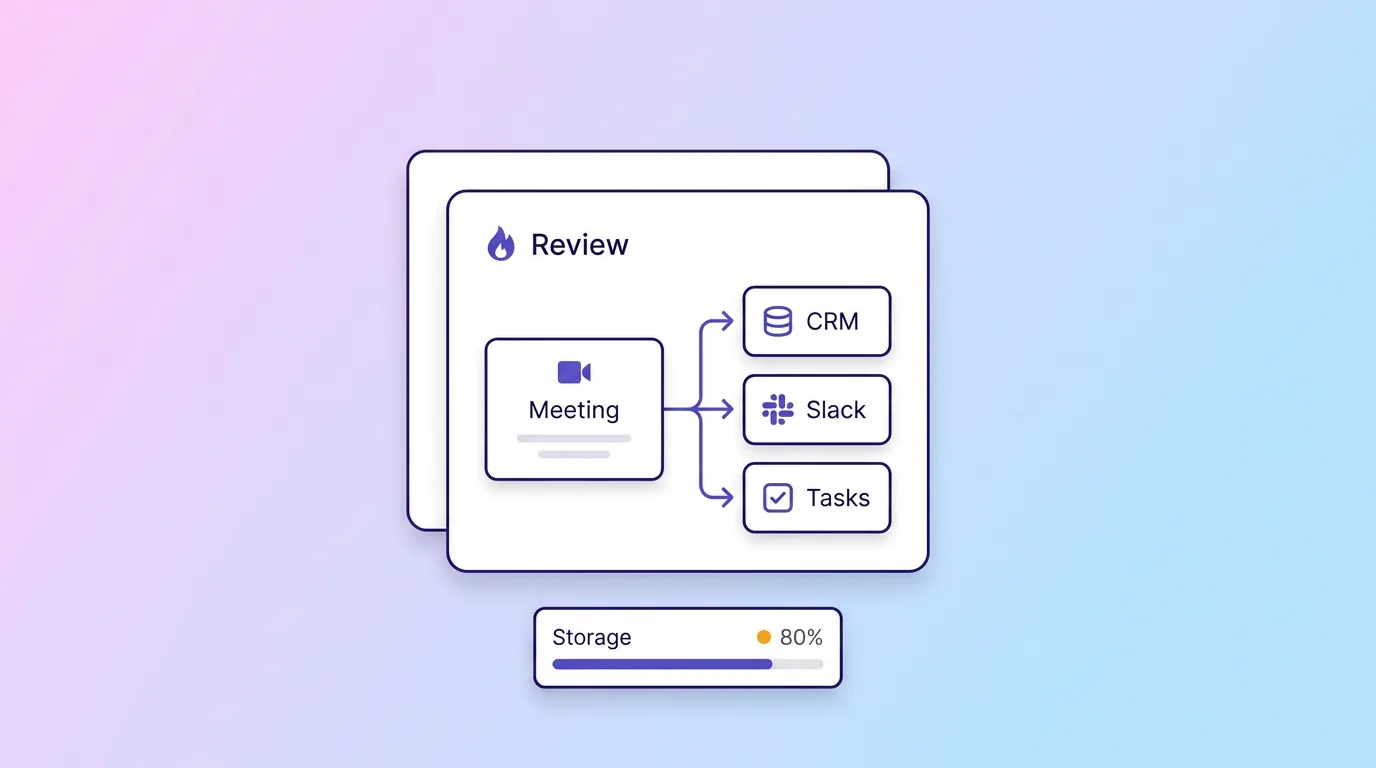
- Deep CRM and Slack automation that routes notes and action items into your existing workflow without manual copy-paste.
- Team analytics and admin controls built for revenue and customer-facing teams running many meetings a week.
- 100+ language support, even on the free tier, versus Otter's more English-centric coverage.
- No team seat minimum on its plans, unlike Otter's five-seat floor on Business.
Integrations and day-to-day workflow
The gap between these two tools is clearest once a meeting ends. Otter treats the transcript itself as the product: you can search across past meetings, ask AI Chat questions about a specific call, and export notes, but pushing that output into other software is a lighter, more manual affair. Fireflies treats the transcript as raw material for automation: its Salesforce, HubSpot and other CRM integrations can log a call, attach the summary, and create follow-up tasks without anyone touching a keyboard, and its Slack integration drops action items straight into a channel.
That difference shows up in who each tool is built for. A student, journalist or consultant taking their own notes rarely needs a CRM sync; they need a transcript they can trust and search later, which is Otter's strength. A sales or customer success team running dozens of calls a week needs those calls to leave a trail in the systems the rest of the business already relies on, which is where Fireflies earns its higher per-seat price.
Accuracy and language coverage
Both tools handle standard business English well. Where they diverge is breadth: Fireflies advertises support for 100+ languages, including on its free plan, which matters if your calls mix languages or involve non-native English speakers. Otter's transcription is strongest in English, and while it supports some additional languages, its feature set (AI Chat, live highlights) is built around an English-first experience. If your team runs meetings in more than one language regularly, that alone can be the deciding factor before price even enters the conversation.
Which should you choose?
- You're an individual or a small team who wants a live transcript and don't want to overpay for unused seats: Otter.ai, and stay on Pro rather than Business.
- You're a sales or customer-facing team that wants action items landing in your CRM automatically: Fireflies.ai, especially if your team is smaller than five people.
- You meet in person as often as on video, or you'd rather nothing joins the call as a visible participant: CraftNote captures meetings bot-free on Mac and in Chromium browsers, runs on iPhone, Android, Windows and web too, and starts at $9.99/month with no team seat minimum. See CraftNote vs Otter and CraftNote vs Fireflies.
Frequently Asked Questions
Do Otter and Fireflies both use a bot?
Yes. Both join your Zoom, Google Meet or Teams calls as a visible bot to record and transcribe. If you'd rather nothing join the call, a bot-free tool like CraftNote records from your own device instead.
Which has the better free plan?
It depends on how you meet. Otter's free plan gives 300 minutes a month but hard-caps any single conversation at 30 minutes. Fireflies transcribes without a per-meeting time limit, but only stores 400 minutes per team before older recordings age out.
Which is better for sales teams?
Fireflies, thanks to its CRM integrations, team analytics and no seat minimum. Otter is stronger for individual, real-time note-taking, and its Business plan's five-seat minimum makes it a poor fit for small sales pods.
Which works better on a phone?
Otter has full native iOS and Android apps; Fireflies is more web-first with lighter mobile support. For a bot-free option with strong mobile apps, CraftNote runs on iPhone, Android, Mac, Windows and web.
Is Otter or Fireflies cheaper for a small team?
On paper Otter Pro's annual price is slightly lower per seat, but Otter Business requires five seats minimum regardless of team size. A team of two or three will often pay less overall on Fireflies, which has no stated seat floor.
Related reading
Turn this into action with CraftNote
Record meetings and lectures, then get AI transcripts, summaries, and action items.
Try CraftNote free